Meet Vee: Ask a Visa Question, Finish a Visa Application
 Elena DarziOctober 9, 20268 min read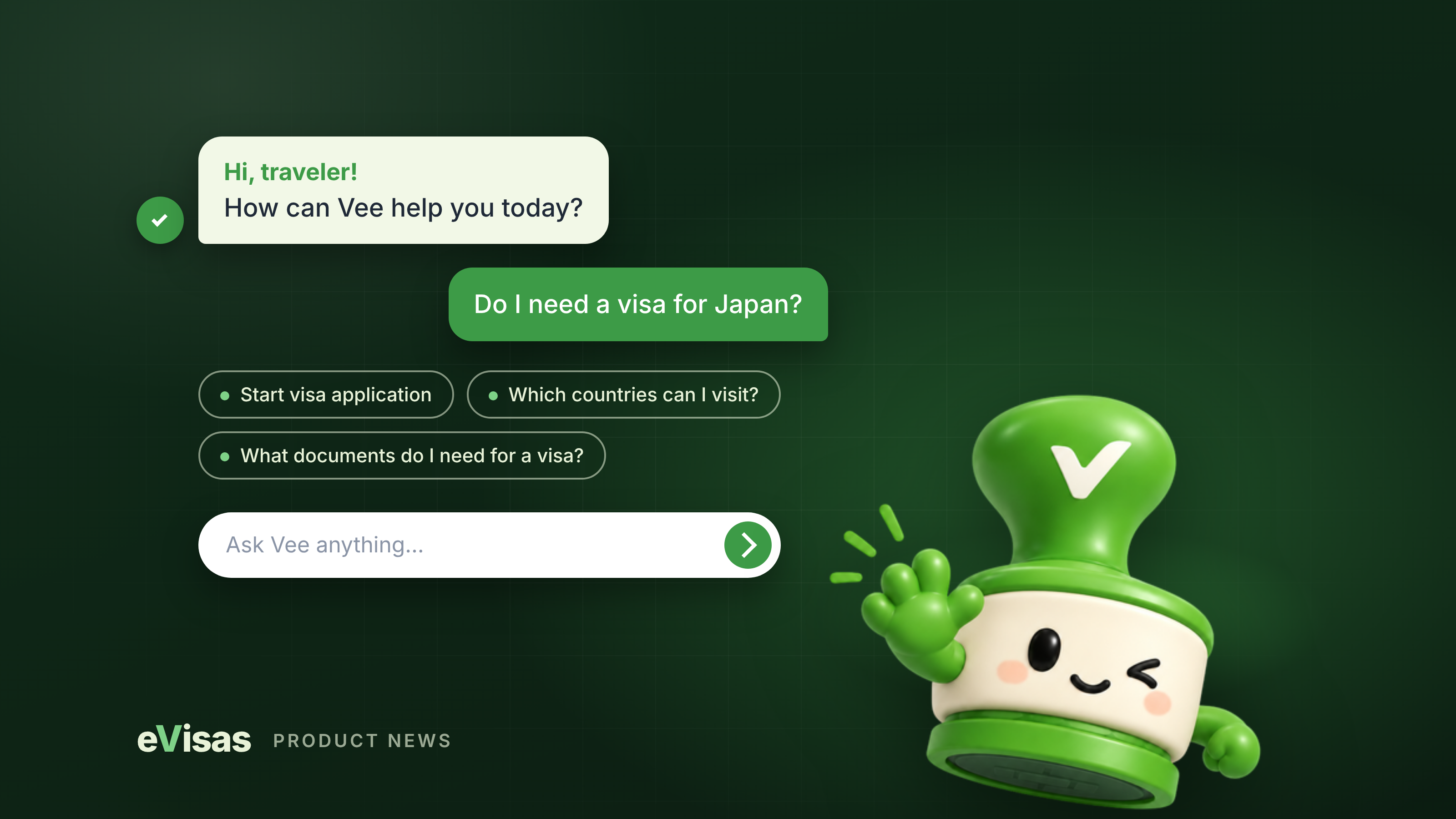
Our new AI visa assistant greets every visitor to evisas.com, answers in plain language, and stays with you from "Do I need a visa?" to a submitted application
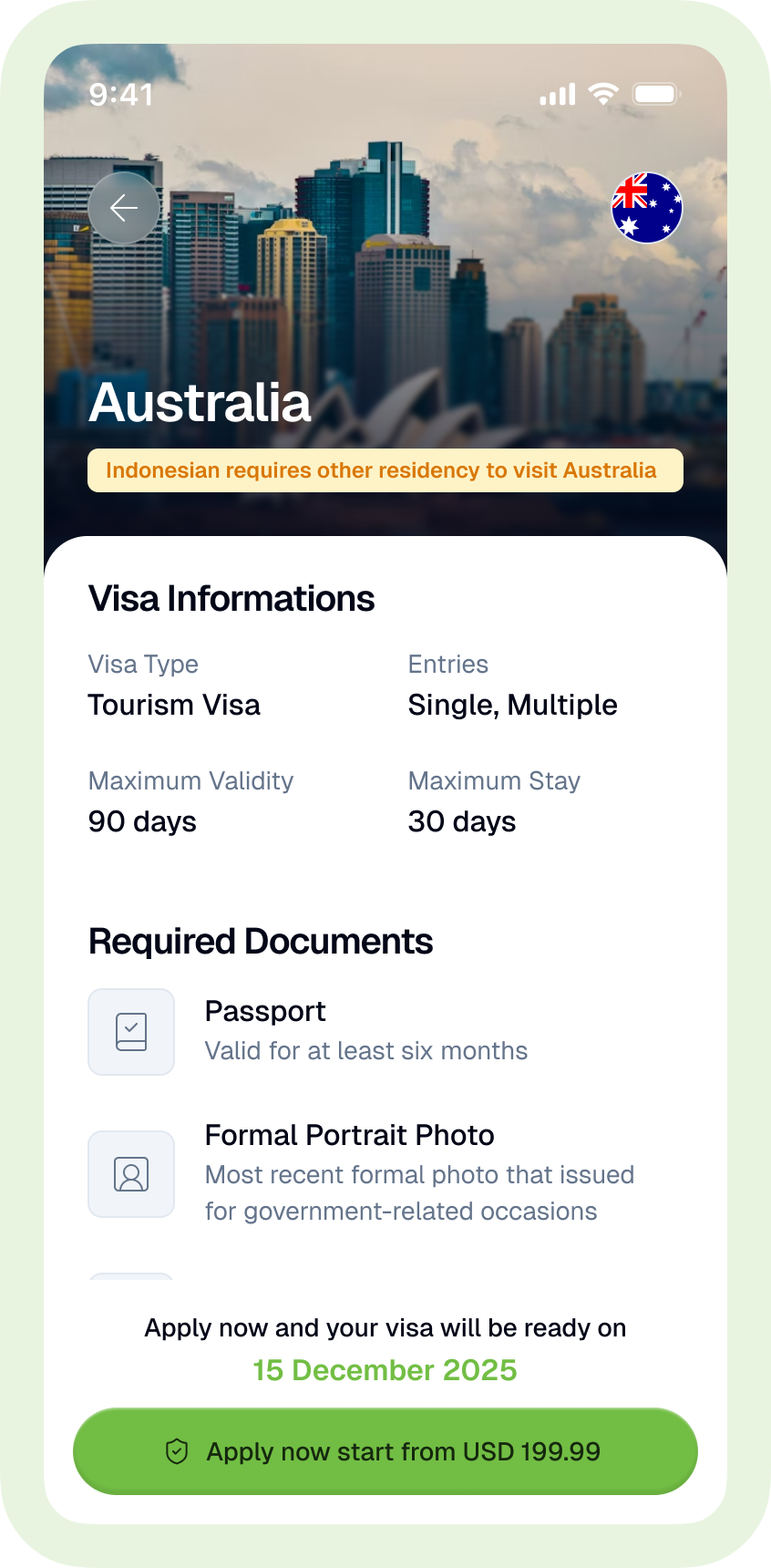
Every trip starts with the same small knot of questions. Do I need a visa? Which one? What will they ask me for, and how long will it take? Until now, untangling that meant reading a destination page, then finding the right form, then starting over when you realised you were on the wrong one. From 9 October 2026, you can skip all of that and simply ask. Vee is our AI visa assistant. Type a question on evisas.com or in the eVisas mobile app, in your own words, and Vee answers it: whether you need a visa, what documents you need, how long processing takes and what it costs for your passport. When you are ready, Vee helps you fill in the application and takes you to checkout, all in the same conversation. It adds nothing to the price. The visa costs exactly what it costs on our regular form.
The home page now starts with a conversation
Open evisas.com and you will see a greeting, one question field and four suggestions. Type anything into "Ask Vee anything…", or tap a prompt: a visa check for a destination, "Start visa application", "Which countries can I visit?" or "What documents do I need for a visa?". That first suggestion is smart, too. Where we know which destination travellers of your nationality apply for most, it names that country for you. Where we do not have the data yet, it simply asks "Do I need a visa?".
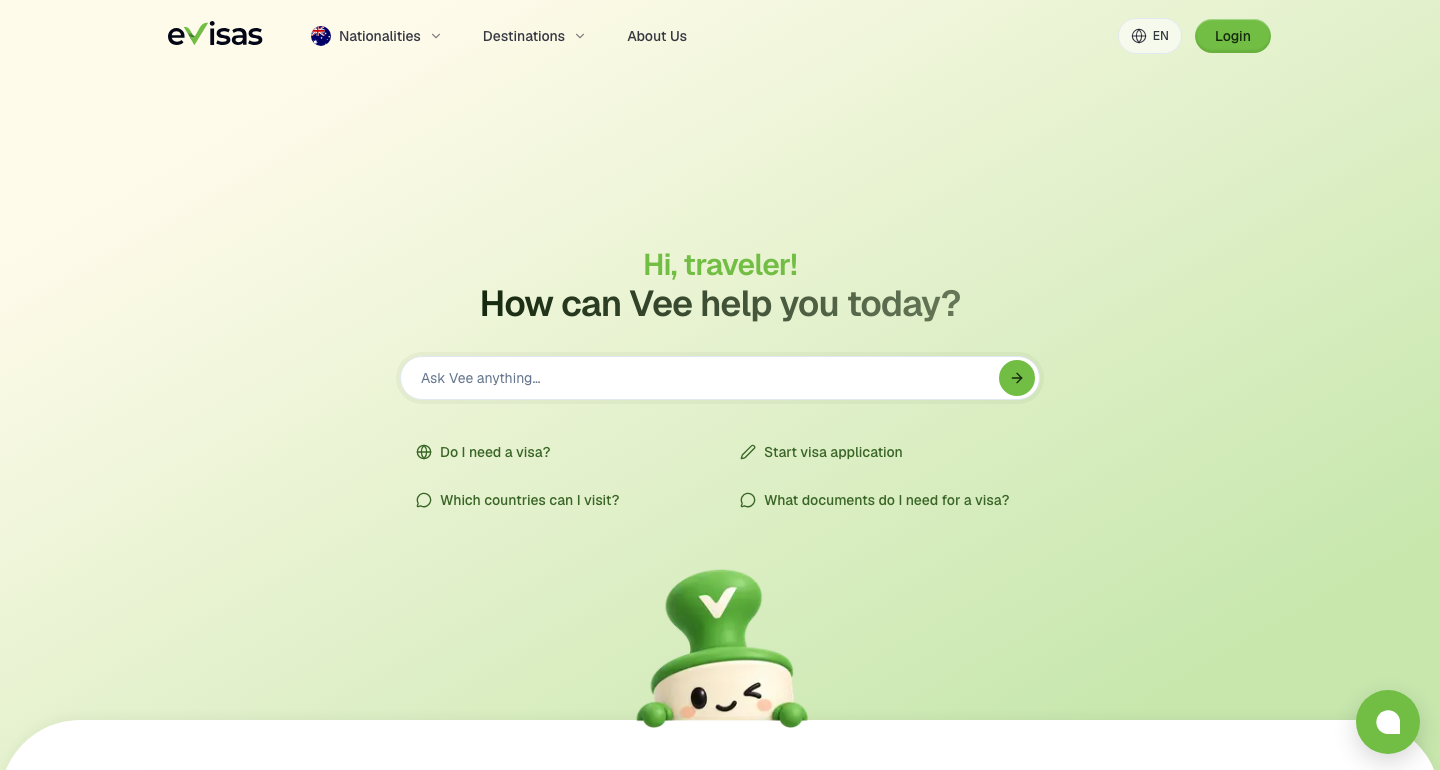
You do not need an account to begin. Guests can explore freely. The moment you want to apply, pay or track, Vee asks you to sign in or register, and your conversation comes with you, so nothing you have discussed is lost.
What you can ask Vee
Applying, paying and tracking need a signed-in eVisas account because they touch your application and your order.
From first question to paid application,in one chat
- 1
Ask
Type a question on the home page or tap a suggestion. Vee opens a new chat.
- 2
Agree once
You confirm that Vee may send your messages to OpenAI.
- 3
Learn
Vee tells you whether you need a visa and shows documents, times and prices for your passport.
- 4
Choose
Compare packages and pick one. Guests sign in or register her
- 5
Fill in
Short cards ask one topic at a time, or "Open full form" continues the same draft on the page.
- 6
Check
Confirm your passport details and review everything you have entered.
- 7
Pay
The eVisas checkout opens. When you are done, you are back in the chat.
- 8
Track
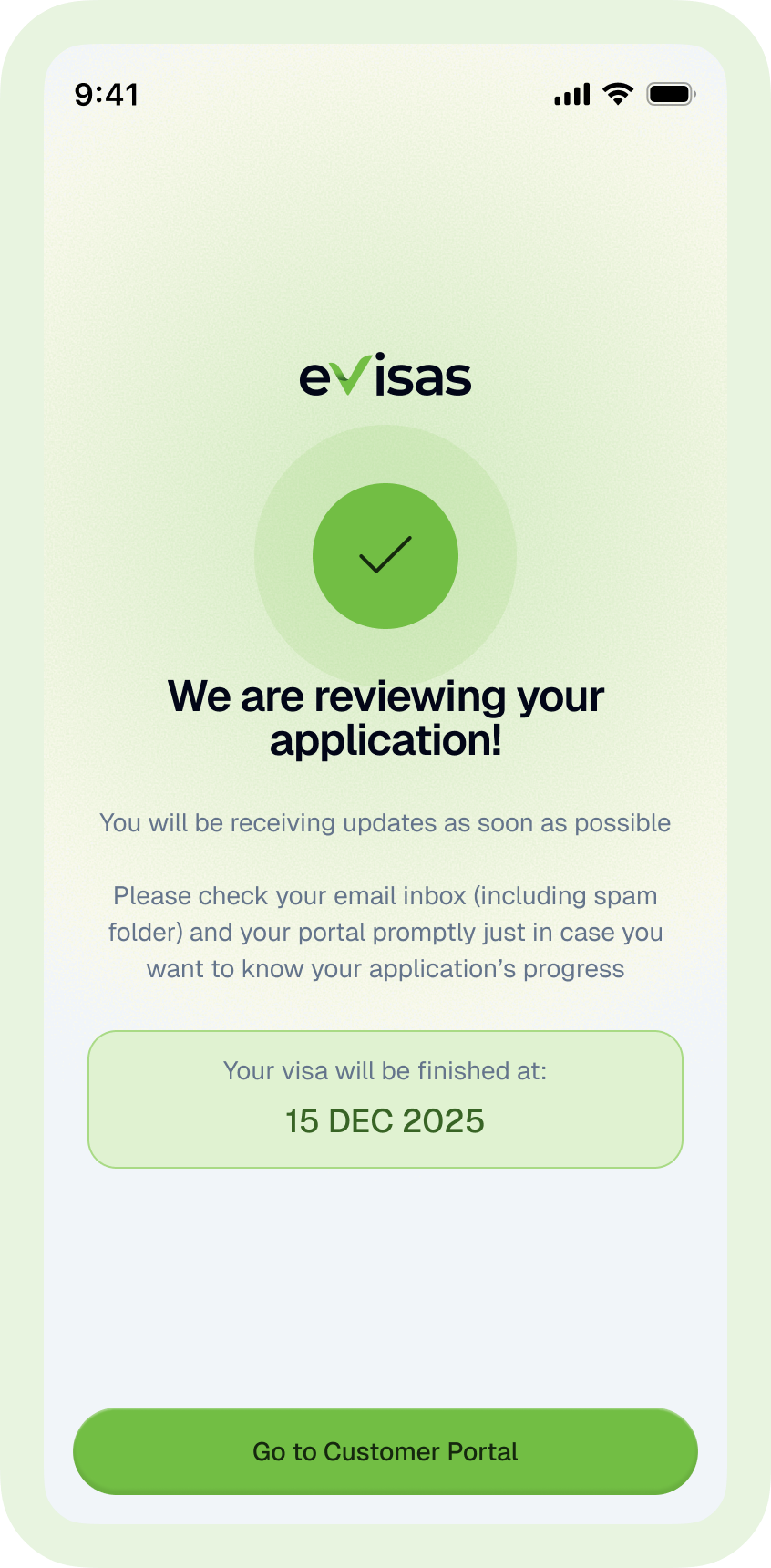
Any time later, ask "Where is my visa?"
The form cards are the part people tend to like most. Instead of a long page of fields, the chat asks about one topic at a time, at your pace. If you would rather see everything on one screen, choose "Open full form". It picks up the very same draft, so switching never means starting again.
In your language, wherever you are
Vee replies in the language you use the site or app in: English, Spanish, French, Portuguese, Russian, Arabic or Chinese. Whatever language you chat in, the answers you enter into your application are saved in English, so it is ready for processing without an extra step.
The home page is the main way in, but Vee is waiting inside your account as well. On the web, the Home and Destinations pages carry a Vee panel with quick actions: Eligibility check, Apply visa, Track order, Document check and Ask casually. The mobile app's home screen has the same panel. For the full experience, with a history of your separate conversations, open the Vee chat at evisas.com/app/vee.
Prefer a person? If Vee cannot finish a step, it offers two ways forward: "Open full form", which continues your draft on the page, or "Talk to our team", which opens live chat with eVisas support. And Vee is always optional. You can apply through the regular form without ever opening a chat.
Your privacy with Vee,in plain words
1. Vee is powered by OpenAI and works only after you agree that your messages may be sent to OpenAI. You can withdraw that agreement at any time under Profile → Privacy.
2. OpenAI does not use Vee chats to train its models.
3. Before an application summary is sent to OpenAI, passport numbers, dates of birth, addresses, phone numbers and email addresses are removed.
4. Answers you enter in the form cards inside the chat are saved straight to your application. They are not sent to the AI.
5. Guest chats are deleted 30 days after their last message, account chats 12 months after. You can delete any chat, or all of them, at any time.
6. Every answer can be reported, and our team reviews reports.
Two things we want to be clear about. What you type into the chat is sent as written, so treat it as you would any message to a service provider. And authorised eVisas staff can read the chats in your account for support and quality purposes, with every view recorded.
A few honest limits
Vee is new, and some things are not available yet: voice, trip planning, support tickets, reminders and payment inside the chat itself (payment runs through the eVisas checkout, as above). Guests can send 15 messages a day and signed-in customers 100, resetting at 00:00 UTC.
Most importantly, Vee does not decide the outcome of your application. eVisas is a private visa service, not a government agency or embassy, and the authorities of your destination make every visa decision. Vee's job is to make sure your application reaches them complete, correct and on time.

Say hello to Vee
The next time a trip is on your mind, skip the searching and ask. Open evisas.com, type your question, and let Vee take it from there. Already have an account? The same assistant is waiting on your home screen. Either way, our team is one tap away whenever you want a human in the conversation.
eVisas is a private visa advisory and processing service operated by TravelRox, Inc. Visa decisions are made solely by the authorities of the destination country.